
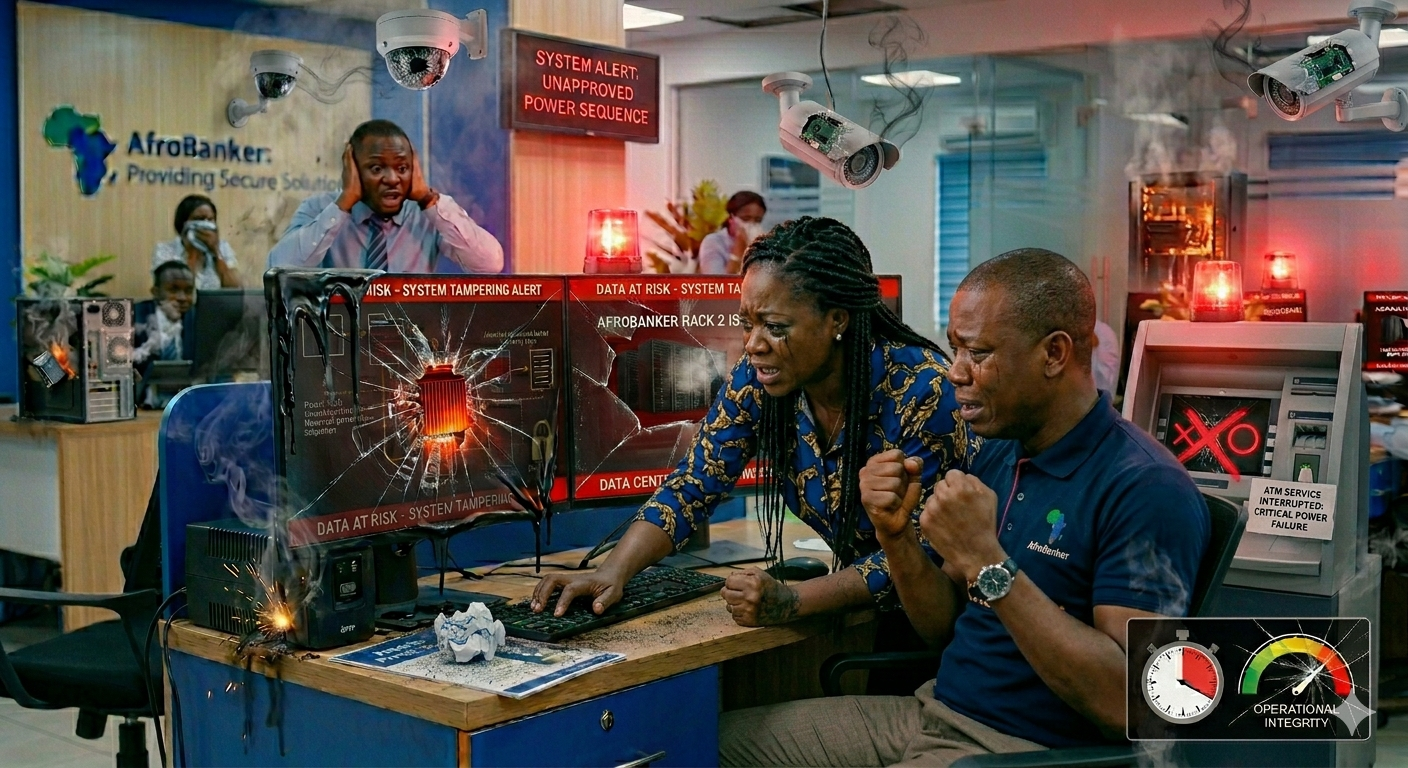
In today’s technology-driven banking environment, every device, whether a desktop, laptop, printer, or network equipment, plays a critical role in daily operations. From processing customer transactions to accessing sensitive financial records, these tools are the backbone of modern banking.
However, one often overlooked but highly important practice is how these devices are handled at the close of business. Many branches unknowingly expose their systems to avoidable damage simply because devices are not properly shut down or unplugged.
This article highlights why proper shutdown procedures and electrical safety practices are essential and how they protect both bank assets and operational continuity.
The Hidden Risk: Power Surges and Overnight Damage
At the end of each workday, most devices are switched off, but not unplugged from the wall socket. While this may seem sufficient, it exposes systems to significant risk. What happens overnight? No one knows. Research and operational experience show that Sudden power surges, voltage spikes, weather-related electrical fluctuations (especially thunderstorms) can still travel through sockets and affect devices, even when they are turned off. Devices that remain plugged in act as conductors, allowing electricity to pass through internal components. Now, potential damage Includes:
- Burnt power supplies to PCs, ATM, system/control rooms etc.
- Damaged motherboards of PCs
- Corrupted storage drives
- Total system failure/downtime. This has been an everyday day scenario, which has been reported by different bank branches.
Why Unplugging Devices Matters After Work

“As a staff of a bank , I have seen firsthand how minor negligence can cause major operational delays. Let’s protect our tools as it protects our work.”
To fully protect equipment, it is not enough to shut down systems, after work or usage. Always try to turn off power sockets, remove plugs from extension outlets and disconnect sensitive equipment. This simple habit helps to prevent electrical damage, extend device lifespan and reduce repair and replacement costs. This goes a long way saving banks and other institutions unplanned costs/expenses.
The Financial Impact on Bank Branches
Every damaged device comes at a cost. because banks continuously invest in computers, printers, networking equipment and power backup systems. When devices fail due to preventable issues bank branches, companies and other institutions incur unexpected expenses, where productivity is disrupted and customer service is affected. In some cases, critical operations may be delayed due to unavailable systems.
Now, this is where ownership culture plays an important role. Ownership culture is when staff/workers, takes intentional control and awareness of their work tools. This has to do with protecting and managing your work tools. Bank staff must begin to see devices not just as tools but as valuable assets under their care. Taking ownership means handling devices responsibly, following shutdown procedures and avoiding negligence. A well-maintained system is a shared responsibility, not just the IT department’s job.
The Often-Ignored Risk (Interrupting System Updates)
Another major issue is improper shutdown during system updates. Banks regularly push for security updates, windows patches and application upgrades. These updates are essential for protecting against cyber threats, maintaining system performance and ensuring compliance with regulations.
What happens when updates are interrupted? When systems are shut down abruptly while updates are running, it can result in Corrupted Operating System (OS), damaged application files, system boot failures and loss of important configurations. In severe cases, systems may require full reinstallation technical intervention and downtime that affects branch operations.
Best Practices for Safe Device Handling in Banks
To avoid risks power damage and power surges, staff should follow these simple but critical steps at the close of business.
1. Properly shut down all devices.
2. Unplug devices from sockets.
3. Turn off extension boxes.
4. Ensure backup systems are secured.
Also, during updates, staff should never force system shutdown during updates, they should allow updates to run completely and restart only when prompted to.
Therefore, staff should only harken to these general practices like reporting faulty power outlets immediately, avoid overloading extension sockets, and finally use surge protectors where available.
Conclusion
In many African banking environments, especially the bank where I work, power instability remains a common challenge. Yet, simple preventive measures like unplugging devices and respecting update cycles are often ignored. This is not just a technical issue, it is a culture issue. Banks that succeed operationally are those that pay attention to small details, promote accountability and educate staff continuously. Proper shutdown and power safety practices are not optional, but they are essential by simply shutting down devices correctly, unplugging them from power sources and allowing updates to complete. Banks can avoid costly damages, ensure system stability, and maintain efficient operations.
Leave a Reply