
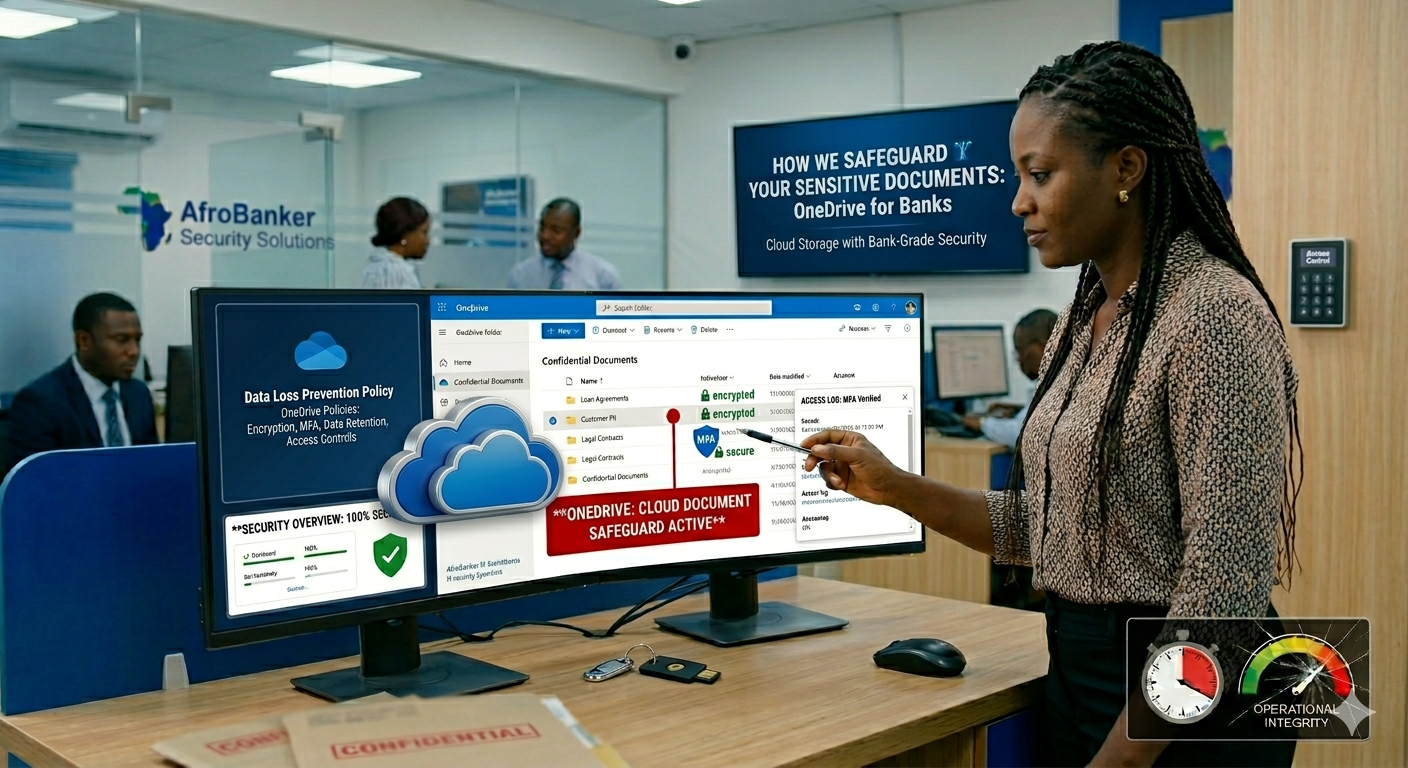
In today’s digital banking environment, physical file rooms are rapidly disappearing. Banks are now moving sensitive customer records, internal documents, and compliance files to secure cloud platforms like the Microsoft OneDrive. But this raises a critical question, “How do banks ensure that highly confidential documents remain safe in the cloud”?
For customers in Nigeria and across Africa, where digital banking adoption is growing rapidly, understanding how banks safeguard data is essential for building trust.
Here I will explain how banks use OneDrive to protect sensitive information while staying compliant with regulations like NDPA (Nigeria Data Protection Act) and global standards. In Africa, especially Nigeria, cloud adoption is growing, but customer awareness is still low, many customers still believe physical files are “safer” and banks must do more education and transparency
Why Banks Use OneDrive for Document Storage
As someone who has worked in the bank over the years, I realized that Banks are increasingly adopting Microsoft OneDrive (part of Microsoft 365) because it provides secure cloud storage, its is easy to access documents across branches, there is a real-time collaboration and finally there is a huge disaster recovery and backup. Instead of relying on physical files that can be lost, damaged, or stolen, OneDrive ensures that documents are:
- Digitally stored
- .Encrypted
- Easily retrievable.
Key Security Features Banks Use in OneDrive
1. Encryption (Data Protection at All Times)
Banks rely heavily on encryption to protect documents. At rest, files are encrypted while stored in the cloud and while in transit, files are protected when being uploaded or shared. This means even if data is intercepted, it cannot be read without authorization.
2. Access Control and Permission Management
Not every bank employee can access every file. Banks use strict controls such as role-based access (e.g., teller, auditor, manager), restricted folder permissions, and approval workflows before access is granted. For example, A service teller or an operations staff may only view customer transaction documents, while compliance officers accesses audit reports.
3. Multi-Factor Authentication (MFA)
To prevent unauthorized access to banks information, banks enforces a multi-factor authentication which include Password + OTP (One-Time Password) and a Biometric verification (where applicable). Even if a password is compromised, attackers cannot gain access without the second layer.
4. Audit Logs and Activity Monitoring
Banks track everything. OneDrive allows institutions to monitor who accessed a file, track edits and downloads and detect suspicious activities.
This is critically used for Fraud prevention, Internal investigations and also for Regulatory compliance.
5. Data Loss Prevention (DLP)
Banks configure DLP policies to prevent sensitive data leaks. For example, blocking sharing of documents containing BVN or account numbers, restricting external downloads and alerting admins if sensitive data is exposed.
Compliance and Regulatory Requirements
Banks in Nigeria/Africa must follow strict regulations such as the NDPA (Nigeria Data Protection Act), which requires: customer consent for data processing, strong data protection measures and breach reporting. Banks should also follow the PCI DSS (for card data) which ensures the secure handling of cardholder information, and finally the Internal CBN Guidelines, which mandates banks to:
- Secure storage of customer data
- Controlled access to banking records.
OneDrive helps banks meet these standards through built-in compliance tools.
Risks and How Banks Mitigate Against Them
Even with cloud systems, risks continue to exist, and here’s how banks handle them:
|
Risk
|
Mitigation
|
|---|---|
|
Unauthorized access
|
MFA + strict permissions
|
|
Data leakage
|
DLP policies
|
|
Insider threats
|
Monitoring & audit logs
|
|
Cyber attacks
|
Encryption + Microsoft security layers
|
|
Accidental deletion
|
Version history & backups
|
What Bank Customers Should Know
As a customer, you should understand that your documents are not just stored, they are secured with multiple layers. Also you should note that banks invest heavily in cybersecurity infrastructure and finally your data is safer in encrypted cloud systems than paper files.
However, you also play a role by avoiding to share sensitive information carelessly, report any suspicious account activity and always try to use strong passwords for your banking apps.
Conclusion
Modern banking is no longer about vaults and paper files, it is about secured digital ecosystems. Microsoft OneDrive, when properly configured, provides banks with:
Encryption
Access control
Compliance tools
Real-time monitoring.
Access control
Compliance tools
Real-time monitoring.
Together, these ensures that customer data remains protected, traceable, and compliant.
Read More On: How Bank Balances Risk Control and Customer Service

Leave a Reply