
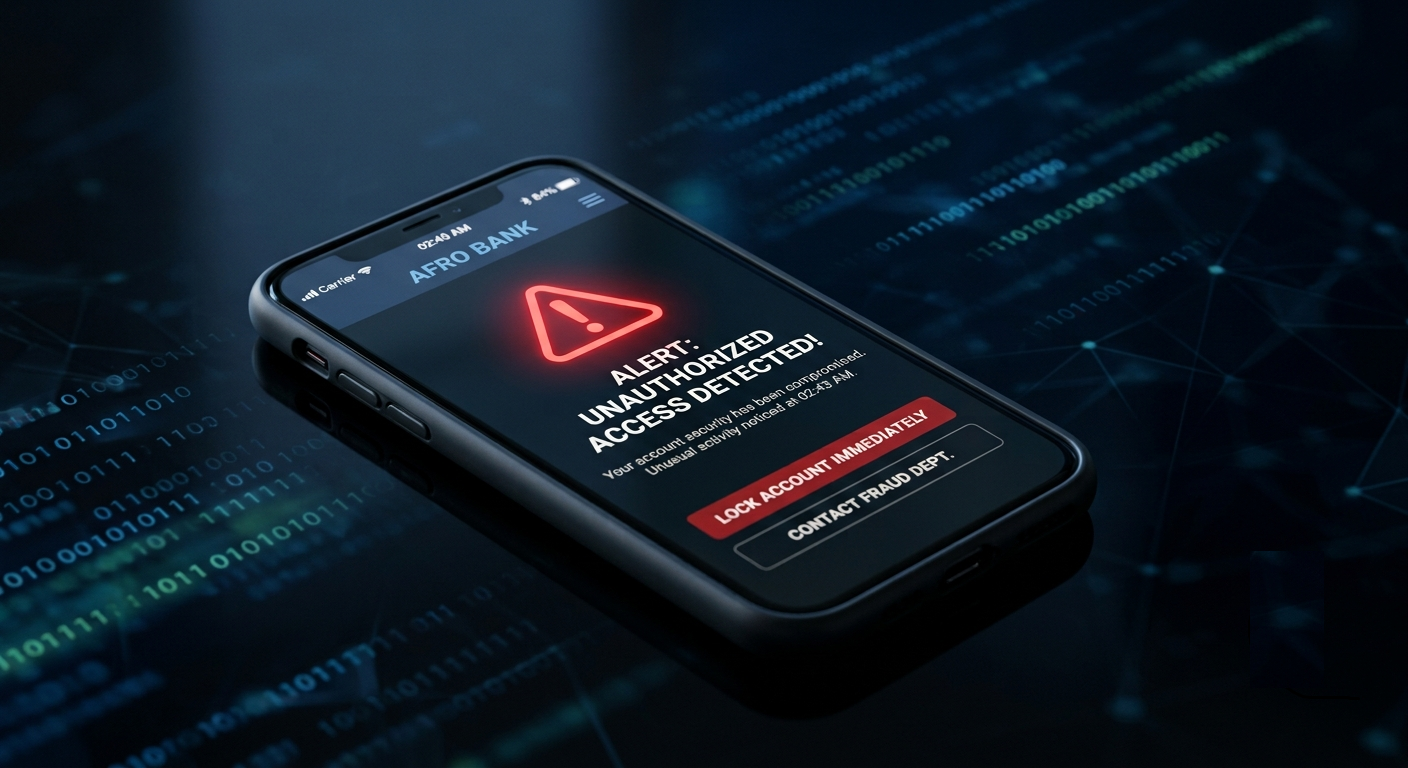
Have you ever received a transaction alert for money you didn’t spend? Or noticed strange activity in your bank account that left you feeling uneasy?
In today’s digital banking era, cybercriminals are constantly looking for ways to gain access to people’s financial information. While banks invest heavily in security systems, fraudsters continue to develop new tactics to steal money and sensitive data from unsuspecting customers.
The unfortunate reality is that many people don’t realize their bank account has been compromised until substantial damage has already occurred. Recognizing the warning signs early can help you act quickly, protect your funds, and prevent further losses.
In this article, I will guide you through the most common signs that your bank account may be compromised, why these warning signs matter, and the immediate steps you should take to secure your finances.
What Does It Mean for a Bank Account to Be Compromised?
A compromised bank account is one that has been accessed, monitored, or manipulated by an unauthorized individual. This could happen through various methods, including:
- Phishing scams
- Malware infections
- Data breaches
- SIM swap fraud
- Stolen banking credentials
- Insider threats
- Fake banking applications
- Public Wi-Fi attacks
Once criminals gain access, they may attempt to transfer money, gather personal information, apply for loans, or use your account for fraudulent activities.
The sooner you identify suspicious activity, the better your chances of minimizing damage.
How Do You Know That Your Bank Account Has Been Compromised?
1. Unrecognized Transactions Appear in Your Account
One of the clearest signs of a compromised bank account is discovering transactions you don’t recognize or authorize.
These transactions may include:
- Online/web purchases you didn’t make
- ATM withdrawals you didn’t authorize
- Transfers to unfamiliar accounts
- Small debit transactions from unknown merchants
Many fraudsters intentionally start with small amounts to test whether an account is actively monitored. If these transactions go unnoticed, they may proceed with larger withdrawals or transfers.
What do you do in this situation?:
Even a tiny unexplained transaction deserves attention.
- Review your recent transactions immediately.
- Contact your bank if you find any unauthorized activity.
- Freeze or temporarily block your card if possible.
- Change your online banking credentials.
2. You Stop Receiving Expected Banking Alerts
Most banks send notifications for transactions, password changes, login attempts, and account updates. Whenever you suddenly stop receiving alerts that you normally receive, it could indicate that someone has modified your account settings.
Cybercriminals often disable alerts so victims remain unaware of unauthorized activities.
Red flags include:
- Missing debit alerts
- No SMS notifications
- Stopped email transaction updates
- Missing login notifications
What to do to revolve this:
- Log in to your account and verify your contact information.
- Check whether your phone number or email address has been changed without your authorization.
- Visit your bank branch to lay a complaint and get things resolved immediately.
As a bank staff, I will tell you that visiting the bank is the most appropriate thing to do to save your account.
3. Your Online Banking Password No Longer Works
If your banking password suddenly stops working despite entering the correct credentials, someone may have changed your login information.
In some cases, fraudsters gain access to your account and immediately update or change:
- Passwords
- Security questions
- Recovery email addresses
- Phone numbers
Their goal is to lock you out while maintaining control of the account.
What to do:
- Use your bank’s official account recovery process.
- Contact customer support immediately.
- Inform the bank that your credentials may have been changed by an unauthorized person.
Time is very important in these situations and thanks to Fidelity Bank who has stepped up with their banking features by enabling a two-factor authentication model before any email or SMS change will take effect. This goes a along way protecting their customers.
4. You Receive Security Codes You Didn’t Request
Have you ever received a One-Time Password (OTP) or authentication code without attempting to log in or consummate any transaction? This is often a warning sign that someone is trying to access your account. Fraudsters may already possess your username and password and are trying to bypass the final security layer.
Common examples include:
- Unexpected login verification codes
- Password reset codes
- Two-factor authentication messages
- Email verification requests
What to do to avoid this:
Never share these codes with anyone especially your OTP. If you receive unexpected authentication requests, change your password immediately and review your account activity or better contact your bank officer immediately for assistance.
5. Personal Information Changes Without Your Knowledge
A compromised account often involves unauthorized modifications to personal information.
Watch for changes such as:
- New phone numbers added
- Different email addresses
- Updated mailing addresses
- Modified account recovery information
Fraudsters make these changes to ensure they receive security alerts instead of you. Recently, Fidelity Bank has strengthened their security features where it becomes difficult for fraudsters or cybercriminals to bypass the 2FA rule.
What to do:
Review your account profile regularly.
If you discover unauthorized changes, notify your bank immediately and request an investigation.
6. Strange Login Notifications from Unknown Locations
Many banking platforms notify customers when their accounts are accessed from a new device or location.
Be cautious if you receive alerts indicating:
- Logins from another city
- Access from another country
- New device registrations
- Suspicious IP addresses
This could indicate that someone has obtained your credentials and is attempting to access your account remotely.
What to do:
- Log out of all devices.
- Change your password.
- Enable two-factor authentication if it isn’t already active.
- Contact your bank’s security department.
7. Multiple Failed Login Attempts
Repeated failed login notifications can signal that criminals are trying to guess your password.
This behavior is often associated with:
- Credential-stuffing attacks
- Brute-force attacks
- Automated hacking attempts
Even if they haven’t gained access yet, these attempts indicate your account may be under attack.
What to do:
- Strengthen your password immediately or change it.
- Avoid using predictable passwords such as birthdays, names, or common words.
- Consider using a password manager to create and store strong credentials.
8. Unexpected Card Declines
If your debit card is suddenly declined despite having sufficient funds, it could indicate a security issue.
Your bank may have:
- Detected suspicious activity
- Temporarily frozen the account
- Flagged unusual transactions
- Restricted access for fraud prevention
While not every card decline signals compromise, unexplained declines should never be ignored.
What to do Immediately:
Call your bank and verify the reason for the restriction.
Review recent account activity for signs of fraud.
9. Friends or Family Receive Suspicious Messages from You
Cybercriminals often target more than just bank accounts. If someone gains access to your email, social media account, or mobile number, they may impersonate you to deceive others.
Friends may report receiving:
- Requests for money
- Fake investment opportunities
- Suspicious links
- Urgent financial emergencies
This activity can indicate broader identity theft connected to your banking credentials.
What to do immediately:
Secure all connected accounts, especially:
- Email accounts
- Mobile banking apps
- Social media platforms
Your email account is often the key to recovering other online accounts.
10. Your Mobile Network Suddenly Stops Working
A sudden loss of mobile service could be a warning sign of SIM swap fraud.
SIM swap fraud occurs when criminals convince a mobile network provider to transfer your phone number to a SIM card under their control.
Once successful, they can:
- Receive OTPs
- Intercept banking alerts
- Reset passwords
- Access financial accounts
Common warning signs:
- No network signal
- Inability to make calls
- Missing text messages
- Sudden service interruption
How to resolve this:
Contact your mobile network provider immediately.
Then contact your bank and request additional security measures.
11. You Notice New Loans or Financial Products
In severe cases, criminals may use stolen information to apply for:
- Loans
- Credit facilities
- Financial services
- Additional banking products
Many victims only discover the fraud after receiving repayment notifications or debt collection messages. Many of these loans are being accessed or collected through fintechs like Opay, Kuda, Moniepoint & Palmpay.
What you should always do:
Review financial statements regularly and investigate any unfamiliar obligations. The earlier you identify fraudulent applications, the easier they are to challenge.
12. Banking Apps Behave Unusually
Pay attention if your banking app suddenly behaves differently.
Potential warning signs include:
- Unexpected logouts
- Frequent crashes
- Missing features
- Strange pop-ups
- Unfamiliar permissions requests
These issues may indicate malware or a counterfeit banking application.
Do this immediately:
- Update your banking app through official app stores only.
- Scan your device for malware.
- Remove suspicious applications.
- Avoid downloading APK files from untrusted sources.
How Bank Accounts Are Commonly Compromised
Understanding how attacks occur can help you avoid becoming a victim.
Some of the most common methods include:
Phishing Attacks
Fraudsters send fake emails, texts, or messages pretending to represent banks. Their goal is to trick customers into revealing sensitive information.
SIM Swap Fraud
Criminals take control of a victim’s phone number and intercept banking security codes.
Data Breaches
Personal information exposed during breaches may be used to access financial accounts.
Malware
Malicious software installed on phones or computers can steal passwords and banking information.
Insider Threats
In rare situations, insiders with privileged access may misuse customer information.
What to Do If You Suspect Your Account Is Compromised
If you notice any warning signs, take these steps immediately:
1. Contact Your Bank
Report suspicious activity as soon as possible.
2. Change Your Passwords
Update:
- Banking passwords
- Email passwords
- Mobile banking credentials
3. Enable Multi-Factor Authentication
This adds an extra security layer.
4. Freeze Cards if Necessary
Temporarily block cards until the situation is resolved.
5. Scan Your Devices
Check for malware or suspicious applications.
6. Monitor Your Accounts Closely
Review transactions daily until you are confident the threat has been addressed.
Final Thoughts
A compromised bank account rarely happens without warning. In many cases, the signs appear days or even weeks before significant financial losses occur. Unexpected transactions, failed login attempts, unusual security alerts, missing notifications, and network disruptions should never be ignored.
The best defense is vigilance. Regularly monitor your accounts, protect your devices, avoid suspicious links, and act immediately when something feels wrong.
When it comes to banking security, responding quickly can make the difference between stopping a threat early and suffering a costly financial loss.
The moment you notice unusual activity, treat it as a potential security threat or incident until proven otherwise. Your money, identity, and financial future may depend on it.

Leave a Reply